Everything you need to read your library, anywhere
Ebooks, comics and manga from the storage you already use, in one reader that works offline on every device. Free and open source.
Free
No ads, no paywall
Offline
Read without a connection
Any device
Phone, tablet, desktop, e-ink
GPL-3.0
Open source, self-hostable
One reader for every kind of book
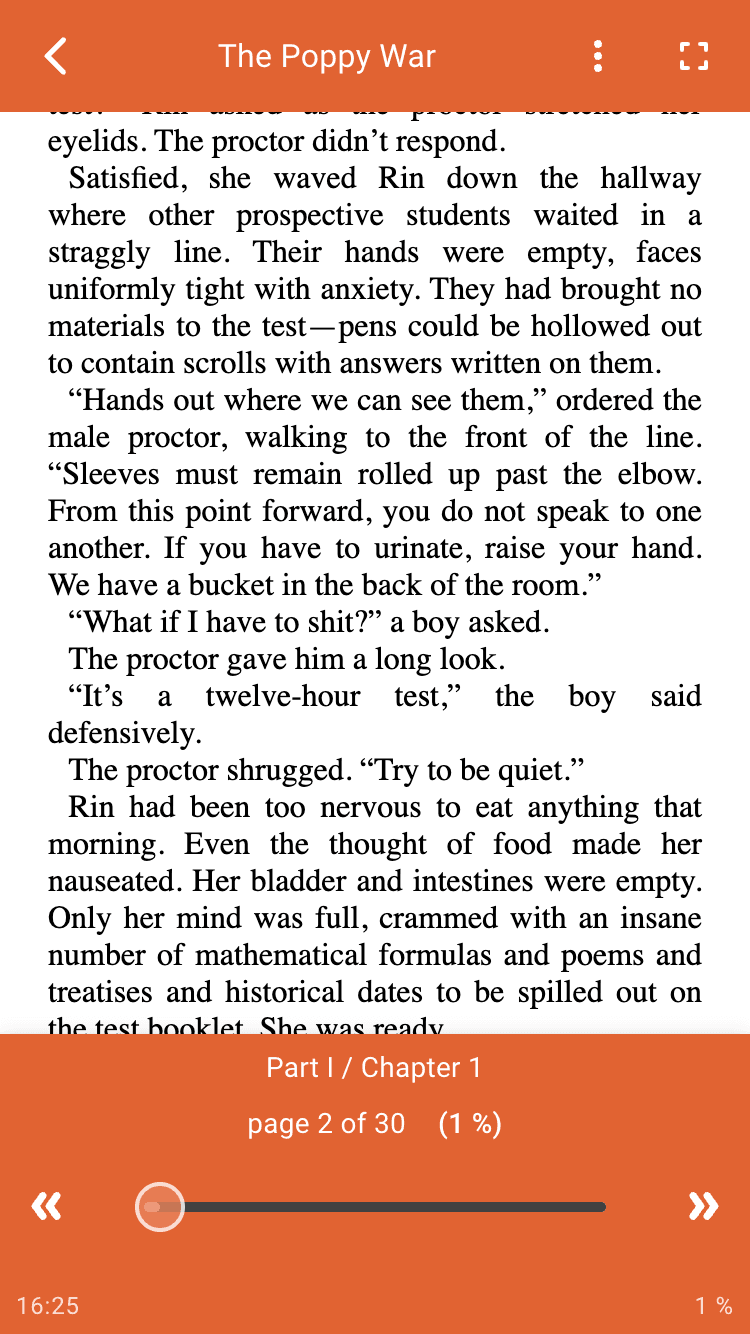
Novels reflow to your screen, manga turns right to left, webtoons scroll. The reader is built on Prose, an engine designed to open any kind of content.
Ebooks, comics, PDF and more
EPUB, CBZ, CBR, PDF, plain text, and ZIP or RAR archives of images or audio.
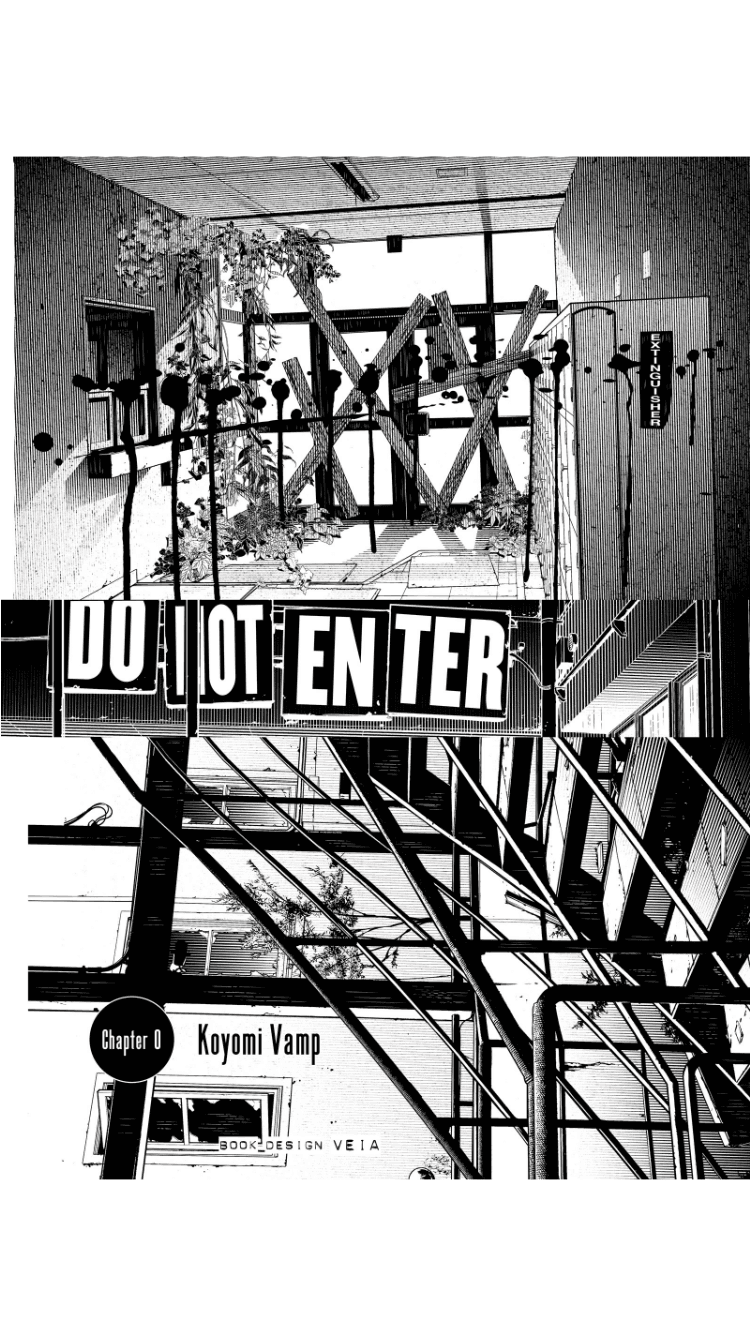
Manga read the right way
Comic archives open right to left by default, and the reading direction can be set per book.
Webtoon mode
Long strips are displayed vertically with free scrolling, the way they were drawn.
Search inside a book
Find a passage or a word anywhere in the book.
Distraction-free
Open books in fullscreen, keep the screen awake, and choose whether to show the time and your progress.
Pick up where you left off
Your reading position follows you from one device to the next.
%20(1).12dozb53y0kr3.png&w=3840&q=75)
Your books stay where they already are
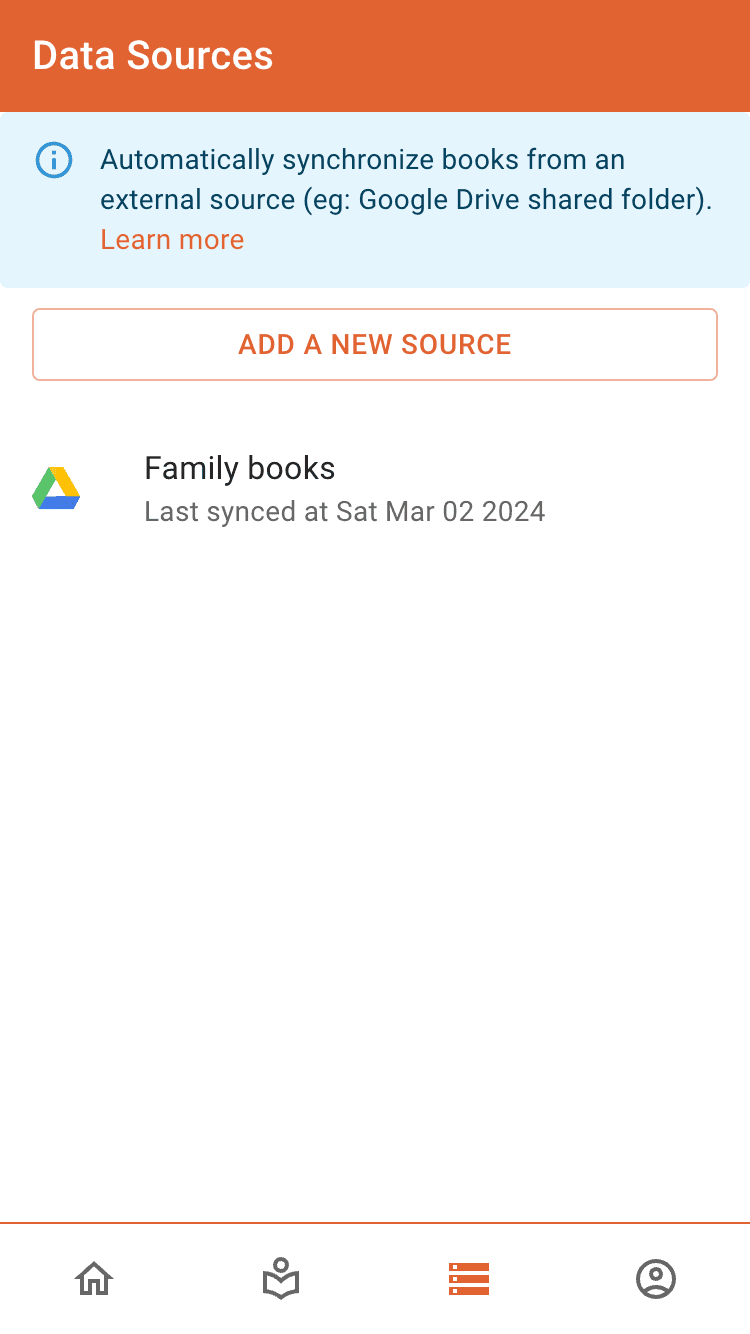
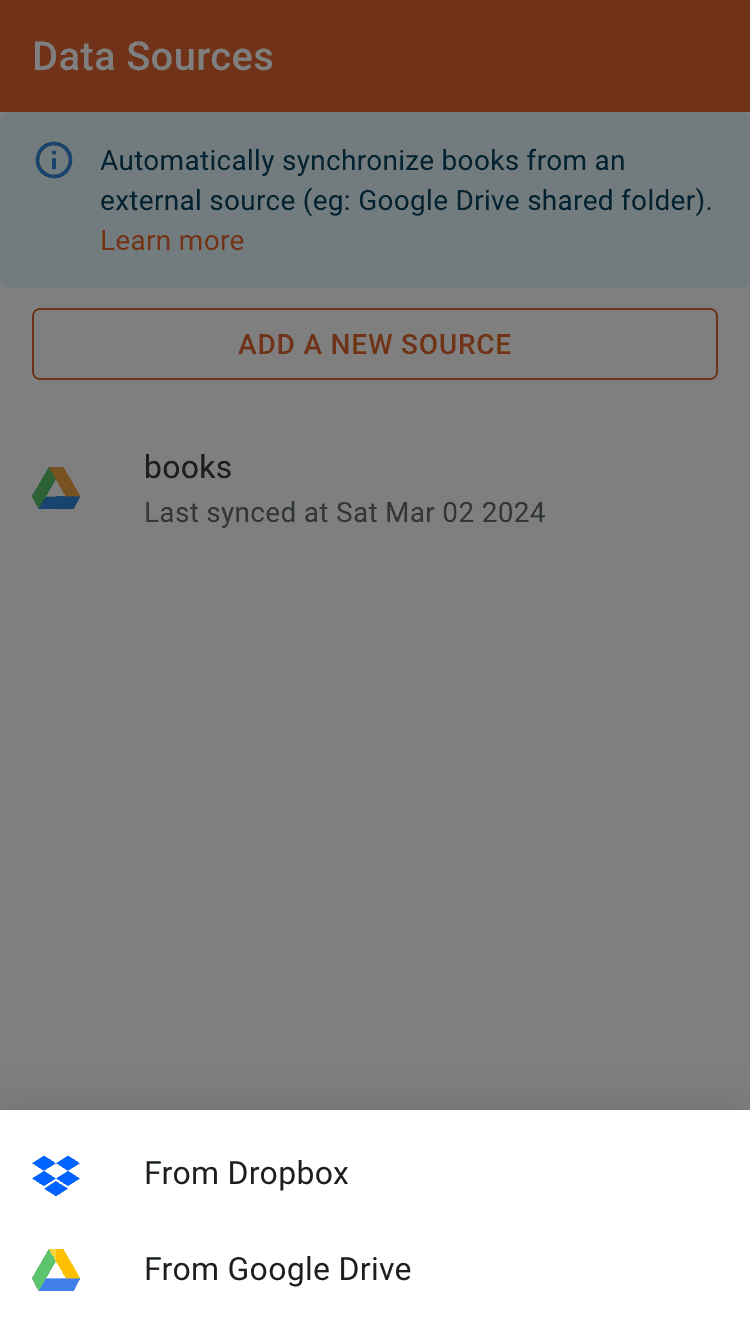
Connect the storage you already use and oboku builds your library from it. Book files are never stored on oboku's servers: only your library, collections and progress are synced.
Cloud drives
Link folders from Google Drive, Dropbox or OneDrive in a few taps.
NAS and servers
Read straight from Synology Drive or any WebDAV server.
Upload from your device
Add books stored on your phone or computer.
Synchronize in one tap
New books and folders in your data sources are picked up on every sync.
Share a library
Share a folder from your drive and your friends can build their own library from it.
A library that organizes itself
Covers, titles, authors and series details are filled in for you. Organize the rest with collections, tags and filters.
Automatic metadata
Read from the file itself, then completed from Google Books, MangaDex, MangaUpdates, ComicVine and more.
Collections and series
Folders become collections. Turn one into a series to get its publisher, status, start year and rating.
Tags
Group books your way, and decide how tagged books behave: protected, or with blurred covers.
Directives
Name a file "[oboku~tags~manga]" or "[oboku~webtoon]" and oboku tags or displays it accordingly on sync.
Search, sort and filter
Find any book or collection, and filter your library by tag, reading state or what is downloaded.
Track what you read
Mark books as finished or not interested, and see where you stand in every series.
.09awkcv_34hie.png&w=3840&q=75)
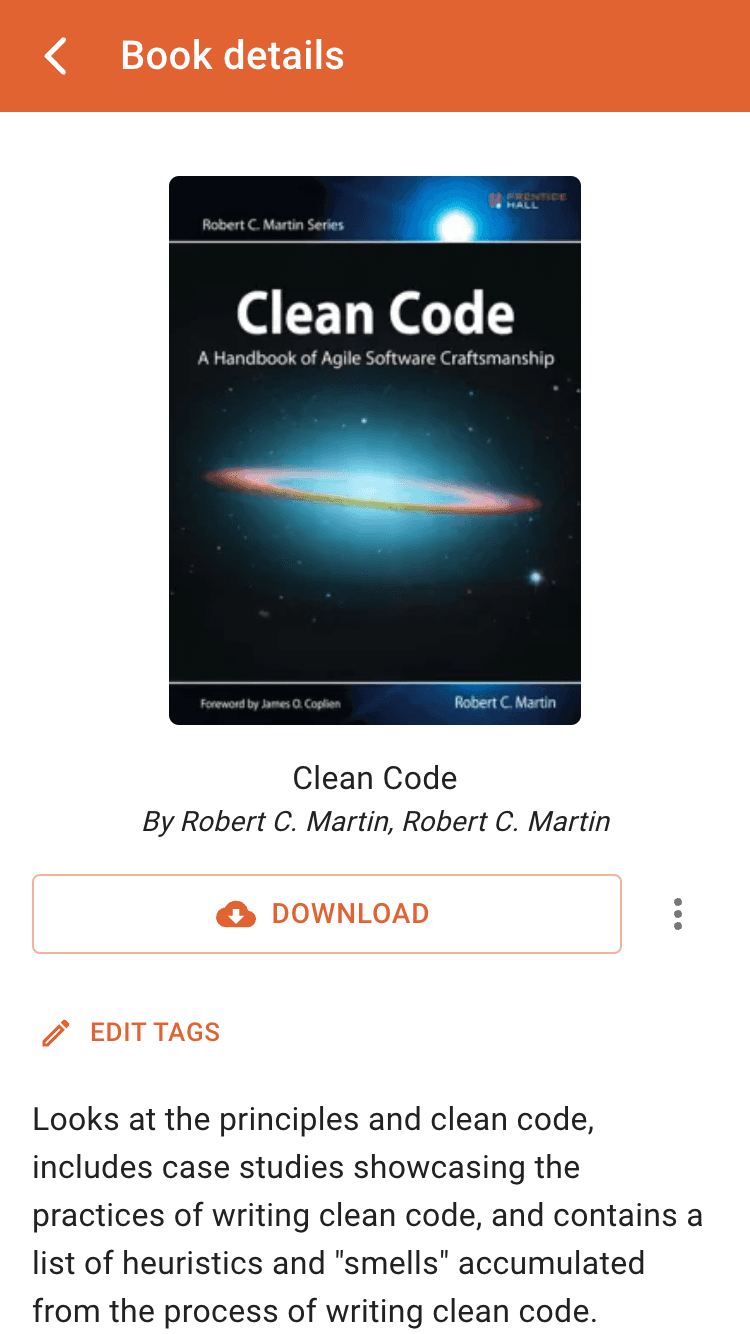
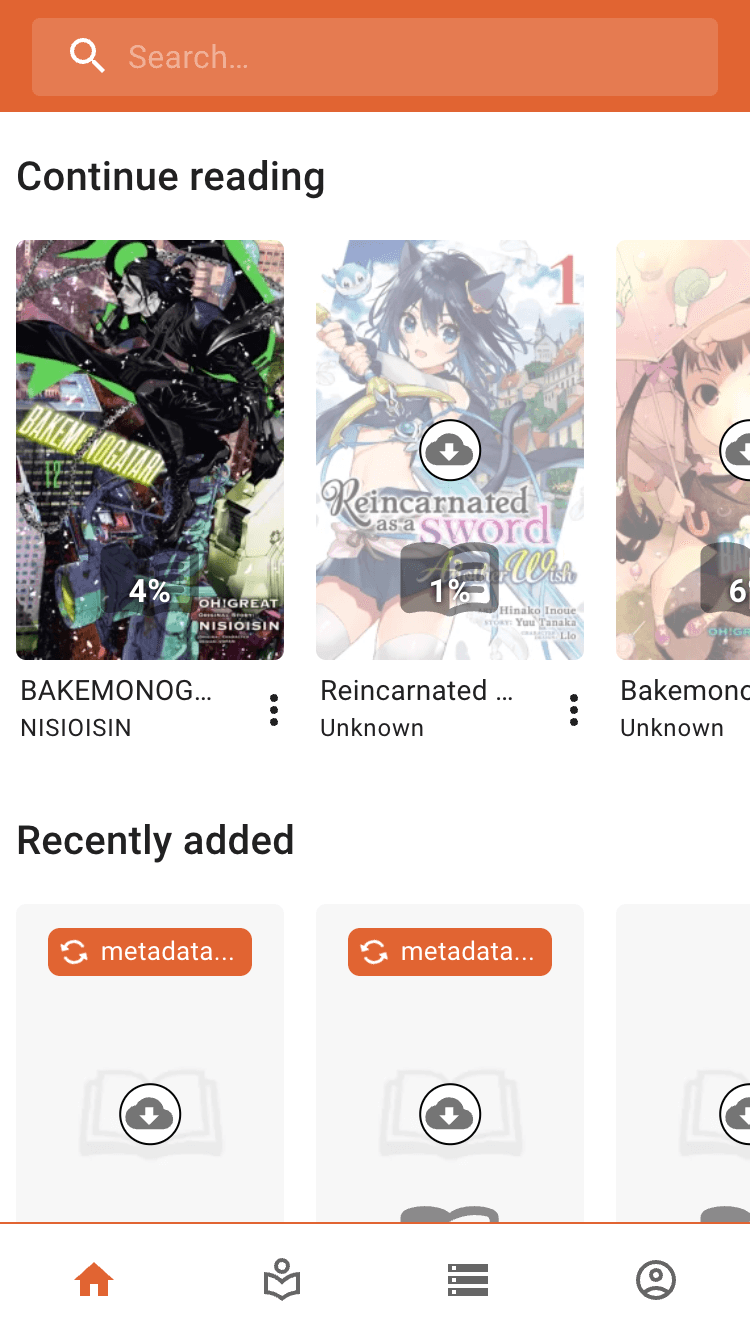
Offline-first, on every device
oboku is a progressive web app: anything with a modern browser runs it, and it keeps working when the connection drops.
Read without a connection
Download a book once and read it anywhere. Changes made offline sync when you are back online.
Install it like an app
Add oboku to your home screen on iOS, Android or desktop and launch it from its own icon.
The same library everywhere
Your library, collections and progress are synced between all your devices.
E-ink mode
Higher contrast and no animations, made for e-ink tablets and readers.
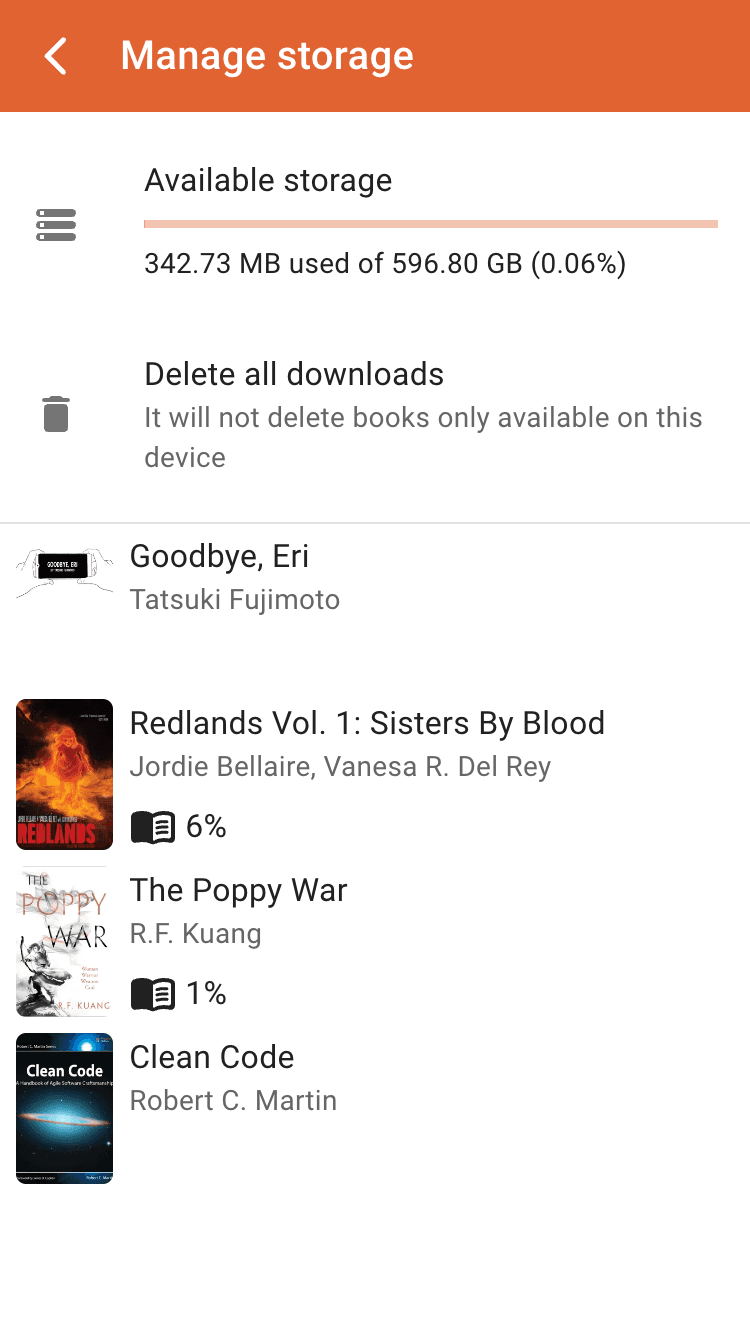
Manage your downloads
See what is stored on the device and free space whenever you need it.
Storage protection
Ask the browser to never clear oboku's data on its own to reclaim space.
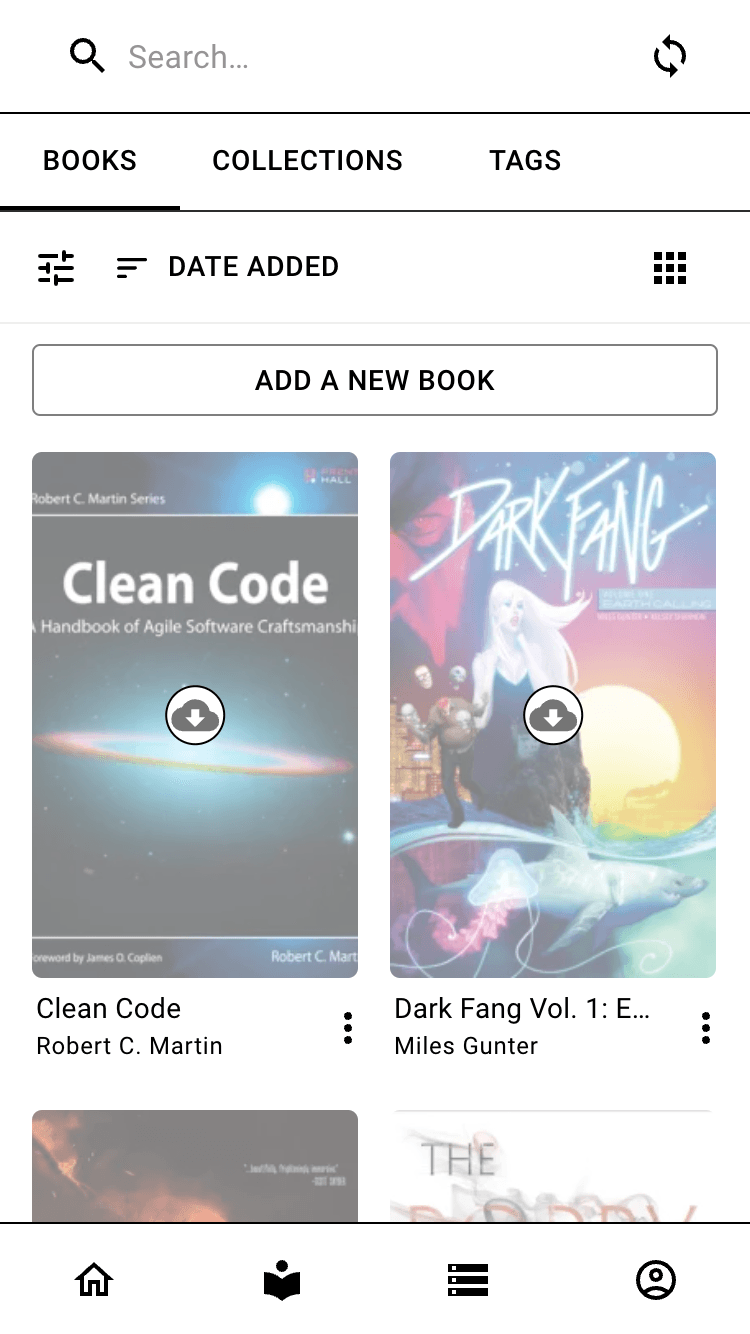
A KOReader sync server, built in
Point KOReader at oboku and every device running it keeps the same reading position, whichever one you pick up. No server to install and no extra account: it comes with oboku, in the cloud or self-hosted.
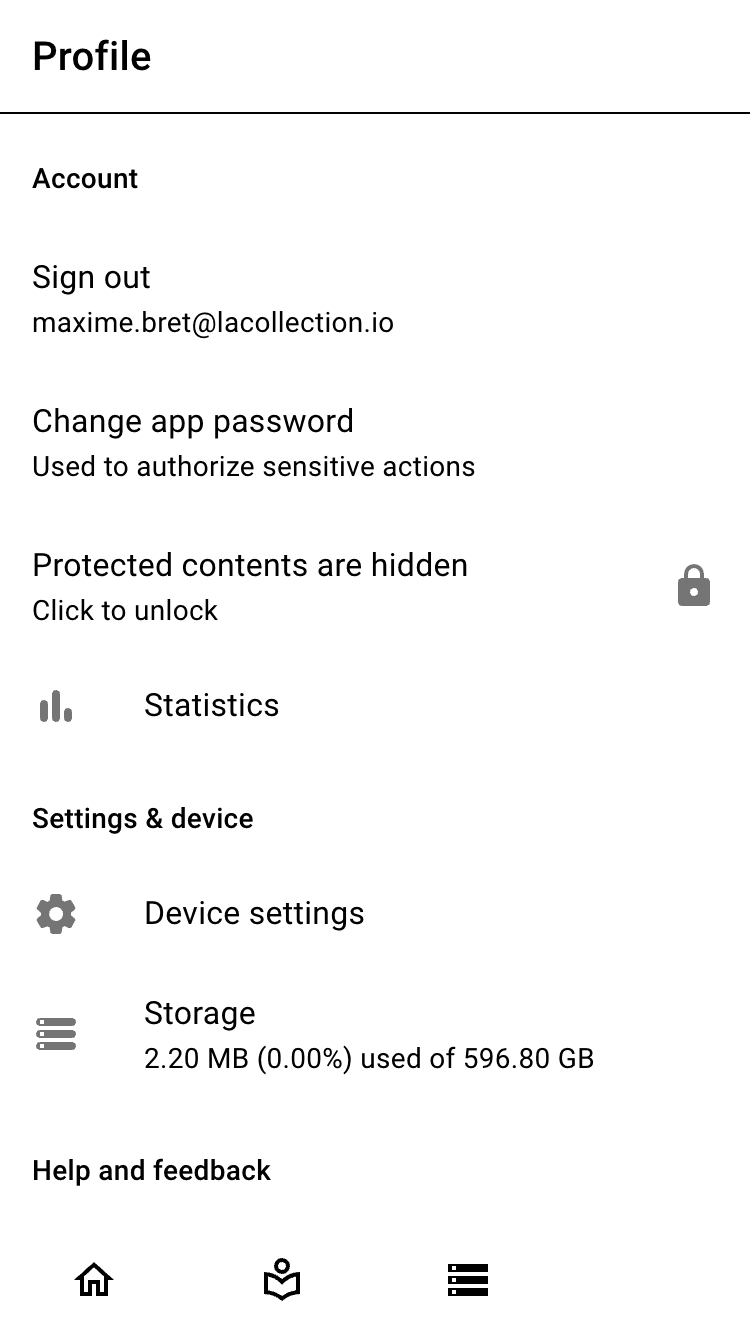
Set up from your profile
Generate a password in oboku, then enter it in KOReader's progress sync settings with the server and your username.
Not just KOReader
Readest, CrossPoint and the other apps that support KOReader sync connect the same way.
A password for your devices
Devices sign in with a password generated for them, not your account password. Replace it or turn the server off at any time.
Private by design, safe to share
Share an account with your family without sharing everything in it. Sensitive content stays hidden, and your credentials stay yours.
App password
Lock hidden content and confirm destructive actions, on every device of your account.
Protected content
Protected books and tags are hidden until unlocked, and never sent to external metadata services by default.
Blurred covers
Blur the covers of every book carrying a given tag.
Encrypted secrets
Credentials for your data sources are encrypted with a master password only you know.
Make your books lighter and cleaner
Inspect any book, shrink oversized comics, fix its identifiers, and save the result back to where it came from.
Compress images
Re-encode the pages of heavy comics to save space and download time.
Modern image formats
Convert pages to WebP or AVIF, or keep the originals.
Resize pages
Cap the width and height of oversized scans to fit your screens.
Fix identifiers
Add or correct a book's ISBN and other identifiers so its metadata matches.
Save back to the source
Upload the optimized book back to its data source, or download it to your device.
Free, open source and self-hostable
No ads, no paywall. Use the cloud version, or run everything on your own hardware.
Open source
The whole project is public under the GPL-3.0 license. Contributions are welcome.
Self-host with Docker
Run your own instance with Docker Compose and keep every piece of data under your control.
Server sync
A self-hosted instance can expose books stored on the server or your NAS as a data source.
Admin panel
Create user accounts and configure server sync from a dedicated admin panel.
Driven by its readers
Features ship regularly and follow what users ask for on Discord and Reddit.
Your library is waiting
Sign in, connect a data source and start reading in minutes. No installation, no credit card.